HR maintains the people record
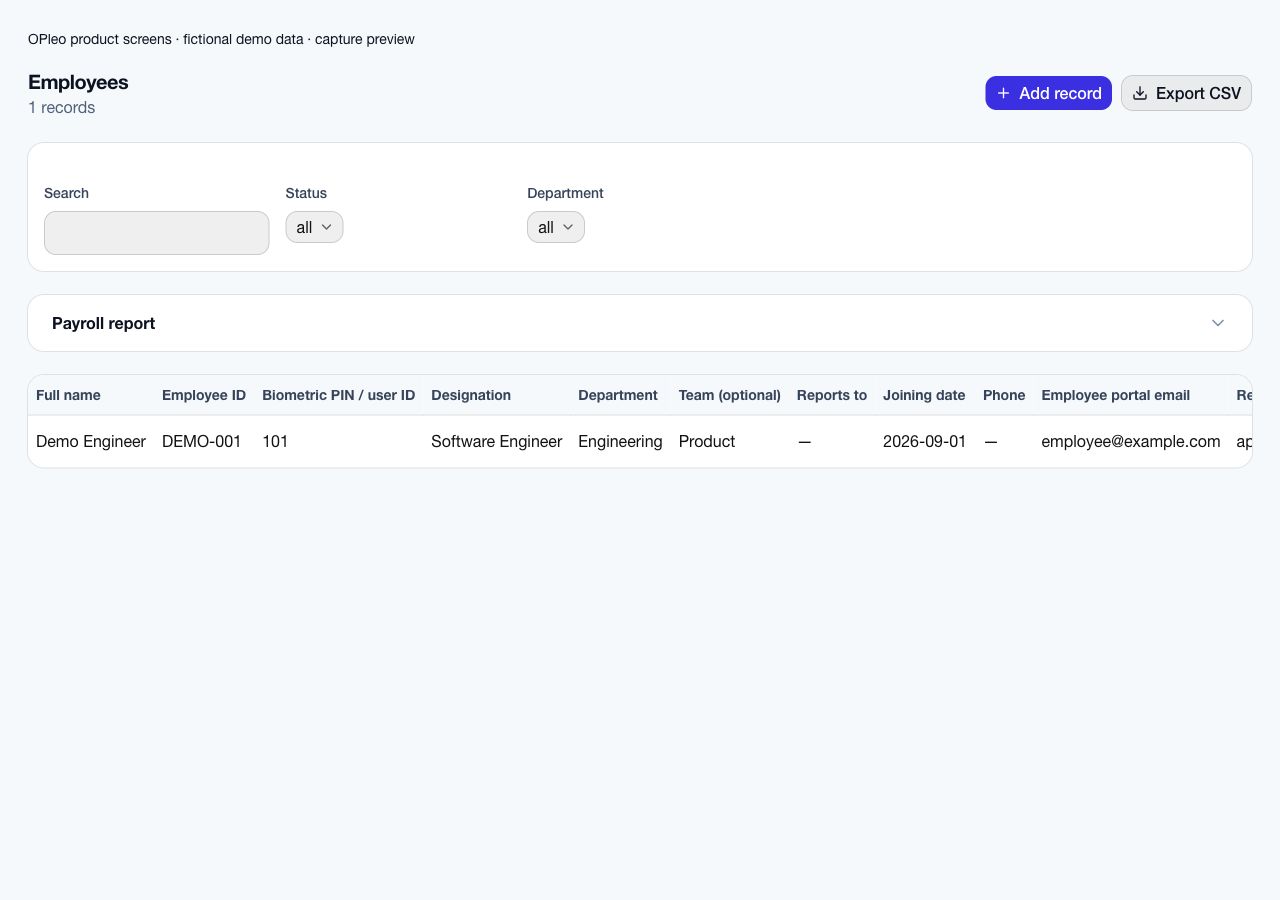
Confirm employee IDs, salary, department, reporting line, work arrangement and portal email.

Industry workflow
OPleo helps retail operators map store teams, import or sync clock-ins, review daily attendance and use those records when preparing payroll.
OPleo helps retail operators map store teams, import or sync clock-ins, review daily attendance and use those records when preparing payroll.
A store supervisor finds a missing departure punch while a colleague has approved leave. HR checks the employee and leave record; the attendance owner corrects the daily record before accounts reviews pay. Use teams for current store groups, while keeping each organisation's calendar explicit.
This is a representative workflow using existing OPleo features, not an industry customer case study. Employee IDs, departments, optional teams and supervisors supply the shared context; an assigned reviewer remains responsible for corrections.
Confirm employee IDs, salary, department, reporting line, work arrangement and portal email.
Use the configured leave approval chain and assign an owner to attendance exceptions.
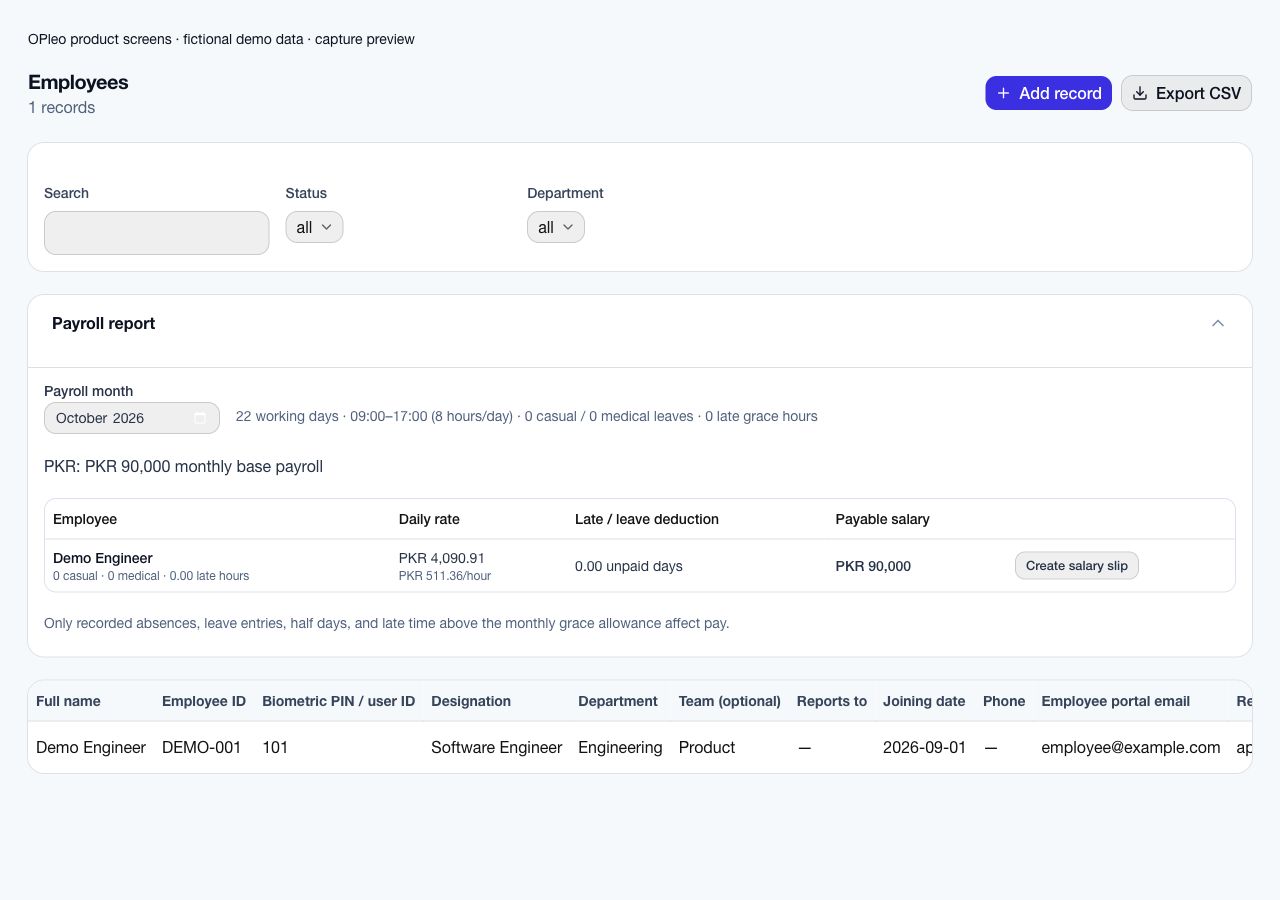
Review calendar-derived rates, attendance, leave and deductions before creating salary slips. Issuing a slip does not disburse funds.
Pilot one store and a head-office reviewer. Check weekend trading days, opening hours, mapped device PINs and who owns manual corrections. Add stores only after the first monthly reconciliation is approved.
Start with a redacted employee list and one reviewed attendance/payroll month. Deduplicate employee IDs, confirm salary and currency, map departments and supervisors, and check portal emails. Confirm the supported entry or import format before assuming an old workbook can upload unchanged.
Configure working weekends, office times, leave allowance and late grace. Pilot normal attendance, a missing punch, approved leave and a late arrival. Compare the preview with the same source month and record why each difference occurs.
Name the owner of attendance corrections and the payroll approver. Agree a cutover date and one authoritative record for new activity; retain historical files under your record policy. Expand after the pilot is reconciled and staff can use the request and review workflows.
Store groups do not establish branch-specific calendars, rotating rosters, shift swaps, POS integration, sales commissions or automated overtime. Validate these separately; a single organisation policy should not be assumed to describe every store schedule.
Monthly payroll previews do not determine statutory obligations. Agree tax, contributions, specialist wage calculations and final payment ownership with your responsible reviewer.
A dependable retail payroll review starts with the employee record, the organisation's working calendar and a clear owner for each store's attendance corrections. Map device IDs to employees or agree who enters a manual record when a terminal is unavailable. Route leave through the configured supervisor chain, then resolve missing punches before accounts reviews salary inputs.
For example, a cashier's approved leave and a missing checkout are separate cases: leave follows its approval and allowance, while the checkout needs an attendance correction. OPleo brings those records into the monthly payroll preview; a reviewer checks the calendar, rates and deductions before issuing a salary slip. The preview does not pay wages or calculate sales commissions.
See the monthly payroll review and its boundaries →Calculate a calendar-based daily or hourly rate →
A store opening on Saturday needs a working calendar that reflects its actual policy. Check store and head-office schedules before grouping staff under one organisation. A team label identifies the group; it does not create a separate branch calendar.
Use an employee ID and mapped PIN for each store employee. When a colleague moves stores, review the current team and supervisor, then establish how historical attendance will be reconciled. Do not assume a team change supplies a dated branch-transfer ledger.
Imagine a cashier requests two working days off while another employee has a missing departure punch. The supervisor checks staffing coverage separately from approving leave. HR confirms the approval, and the attendance owner investigates the incomplete day before accounts reviews the month.
Keep sales incentives, commissions and specialist shift premiums separate from the documented monthly salary calculation. A terminal punch is a source for attendance review, not evidence of sales performance or a commission entitlement.
Test a normal trading day, weekend attendance, approved leave, a missing checkout and a terminal outage. Inspect employee mapping and the reviewed daily record after a USB upload or delayed sync.
Have the store supervisor, HR and accounts compare the same month. Record unresolved calendar or commission requirements and agree the attendance cutoff. Expand to another store only once ownership and payroll inputs are dependable.
Inside the product
Captured from OPleo’s product components with fictional demo records. These are product views, not customer results; each capture shows a separate workflow state.
Yes. Weekend policy is configurable per organisation.
Use a redacted example, your attendance setup and the decisions your team needs to make. We can review fit before you move live records.
Request a workflow demo