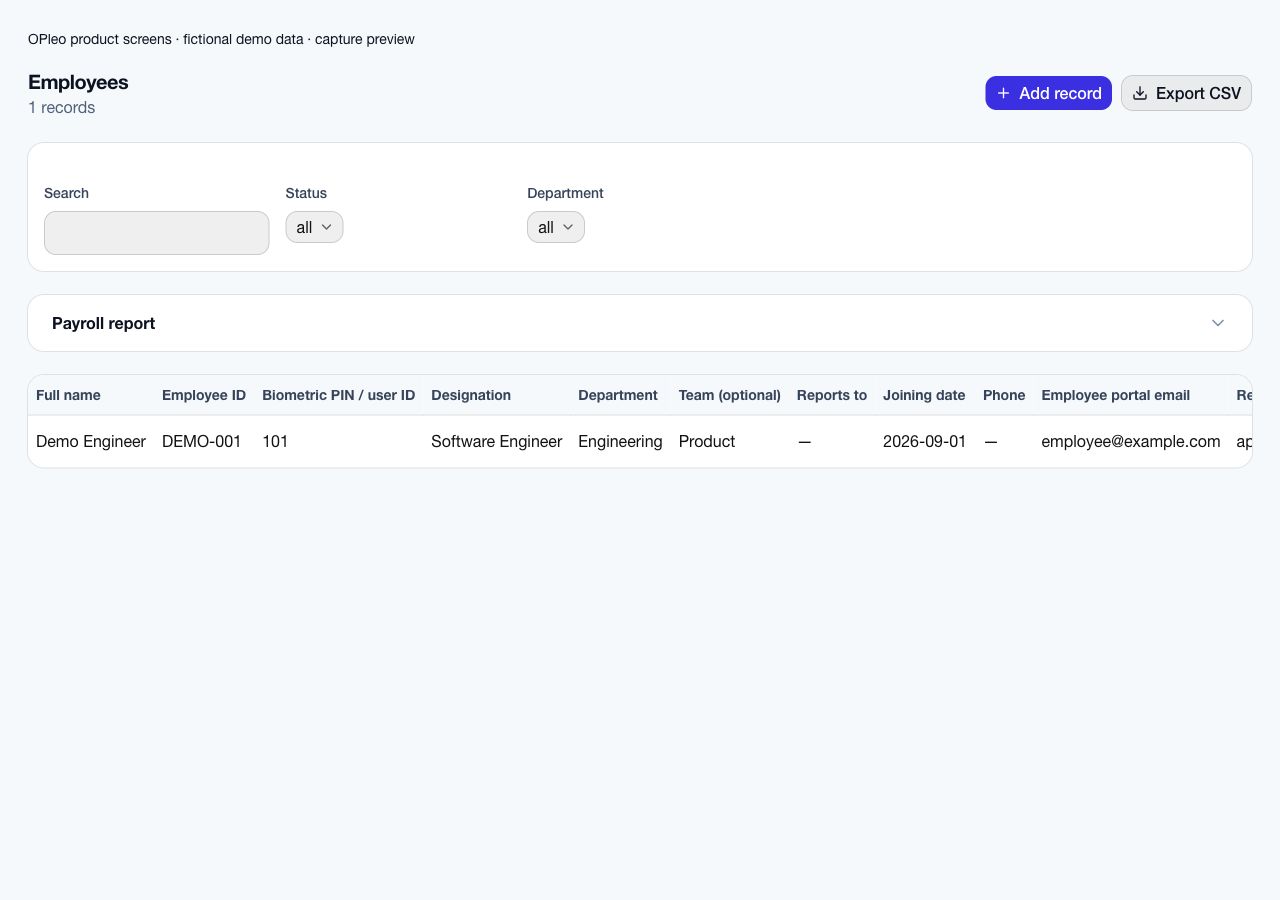
| Employee records | Flexible columns make it easy to build a staff list. Someone must keep identifiers, salaries and reporting lines consistent across each workbook that uses them. | Employee records connect department, supervisor, work arrangement, salary inputs and biometric PIN to the workflows using those details. |
|---|
| Attendance | You can record punches and calculate totals with formulas. Device exports, missing punches and duplicate employee-day entries need an agreed import and review process. | Supported device punches, USB reports, manual records and remote attendance feed employee-day records. Unmapped device IDs and incomplete punches still need review. |
|---|
| Leave and approvals | A tracker can show dates and balances. Requests, approval messages and attendance changes must be reconciled unless your team builds a separate workflow. | Employees request leave through their portal. Configured approval levels follow reporting relationships, and approved leave creates attendance records for working days. |
|---|
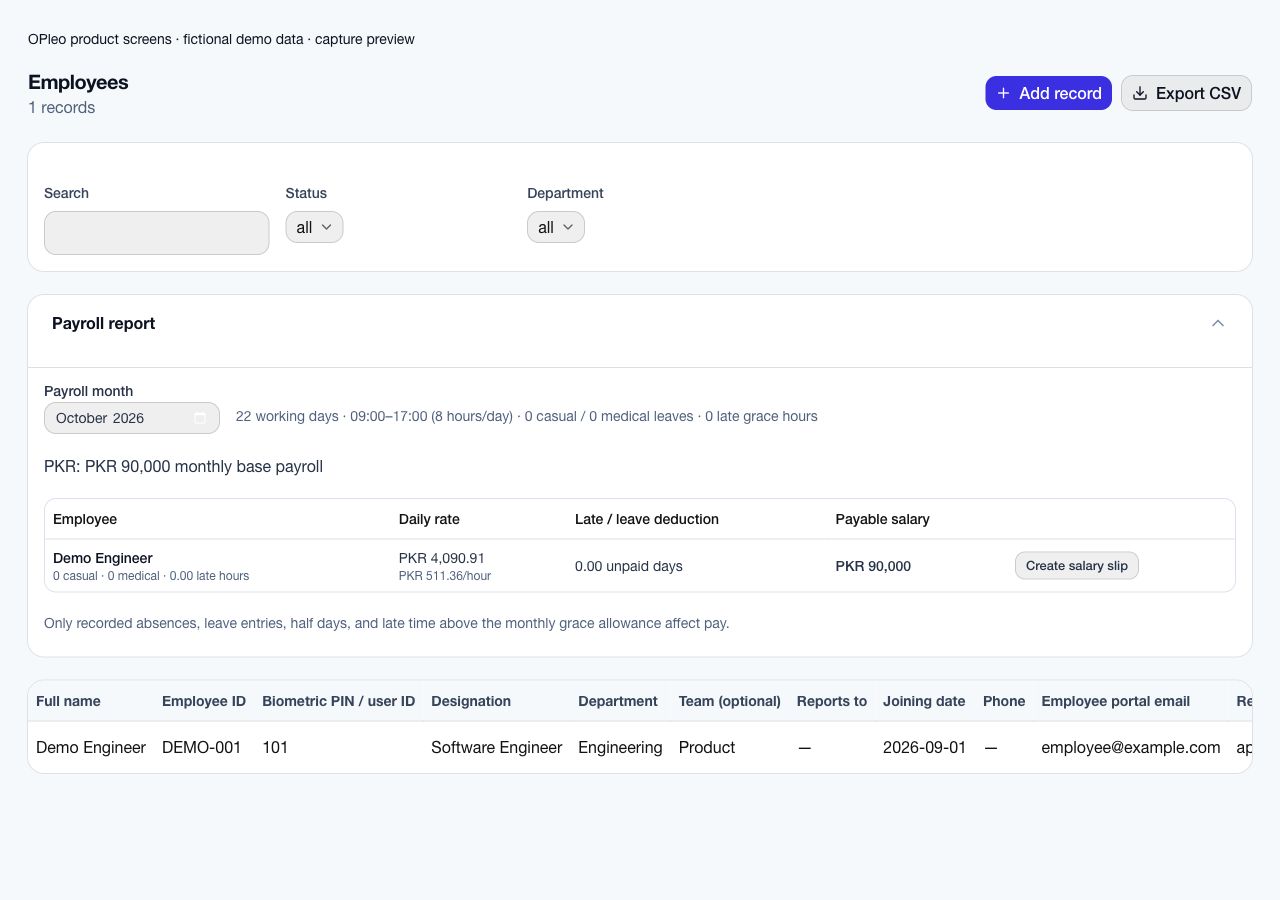
| Payroll inputs | Formulas can model your own pay rules. Their owner must maintain the calendar, references, attendance inputs and deduction logic as policies change. | Payroll previews use the organisation's working calendar, salary, attendance, leave and late grace policy. Administrators review the result before issuing salary slips. |
|---|
| Employee access | Sharing and access depend on the file location and permissions you configure. Plan carefully before sharing a workbook containing several employees' private data. | A separate employee portal exposes the employee's permitted personal records, attendance, requests and issued salary slips without administrative workspace access. |
|---|
| Recruitment | A spreadsheet can track candidates, interviews and decisions. The team maintains the connection between incoming applications and the tracker. | Public job openings and applications can feed recruitment records in the workspace, reducing the need to copy each application into a separate hiring sheet. |
|---|
| Flexibility and setup | You control the layout and calculations, making it useful for unusual analyses and one-off reports. This flexibility also leaves process design with your team. | Departments, policies, employee records and access need initial setup. Check that supported workflows fit your requirements before moving recurring work into the platform. |
|---|